Up a ladder? It texts your customer back and books the visit.
When a new customer texts, Connectuate answers from what you told it, offers your open times and books the visit. Then send the estimate and get paid, all from your phone.
Use ChatGPT or Claude? On Say it, connect it. It reads your customers, calendar and bills, and drafts the reply.
They tap yes. You get paid.
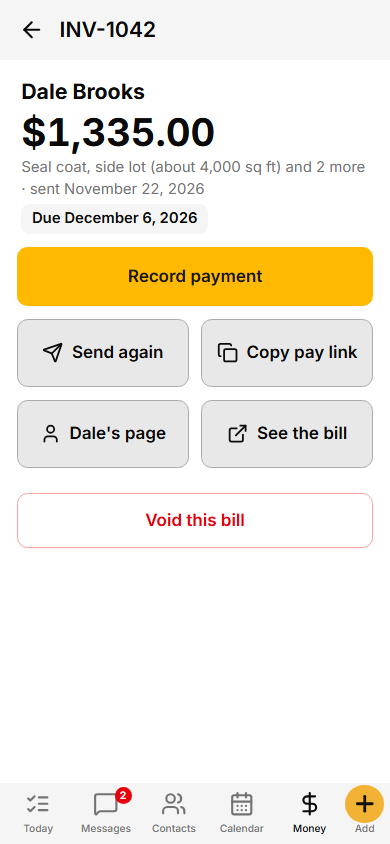
Send an estimate. One tap from your customer and the bill is made. You email it, and text it too with one tap. They pay from their phone.
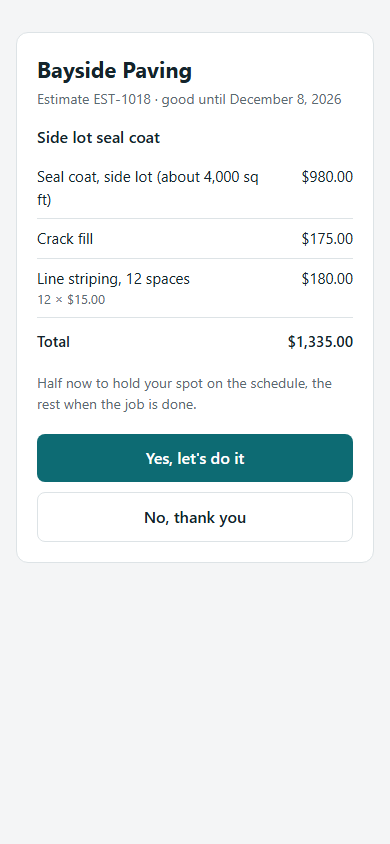
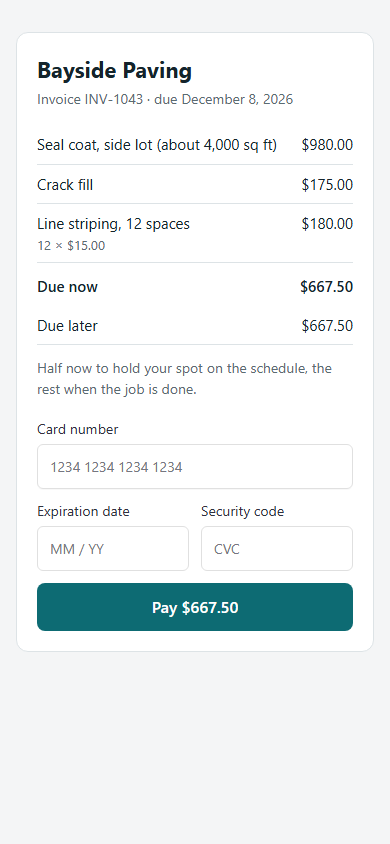
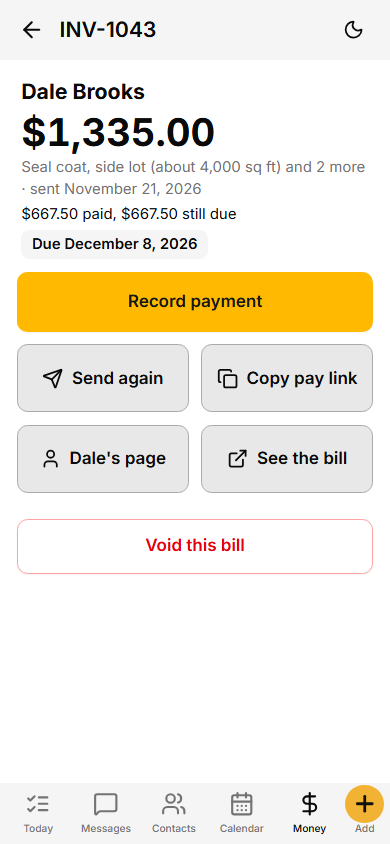
Easy enough to run from the job site.
Built for the phone from the ground up, for people who are not computer people. These are the real screens.
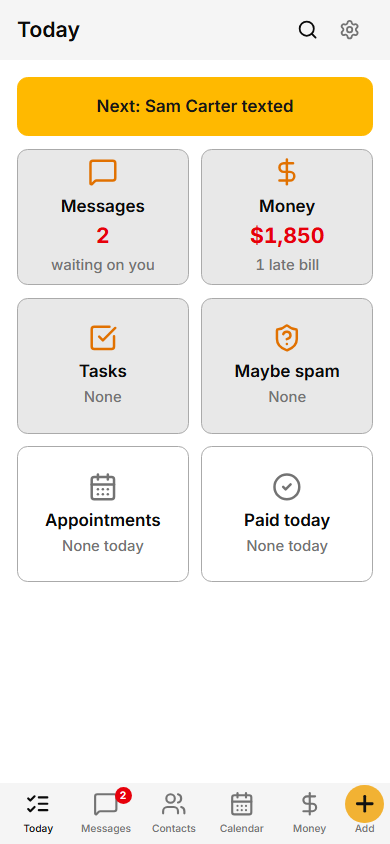
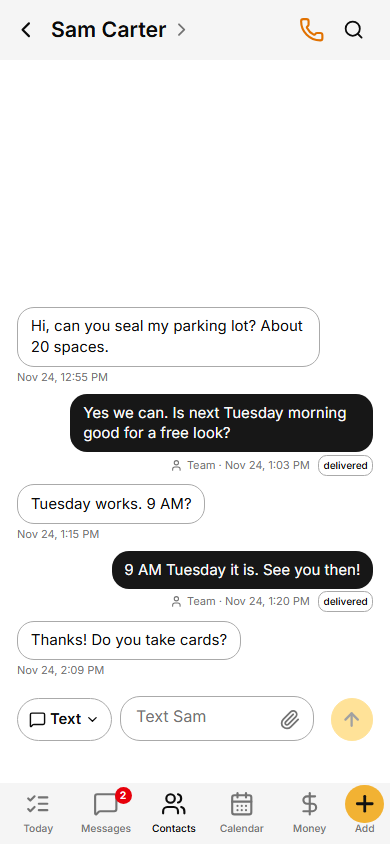
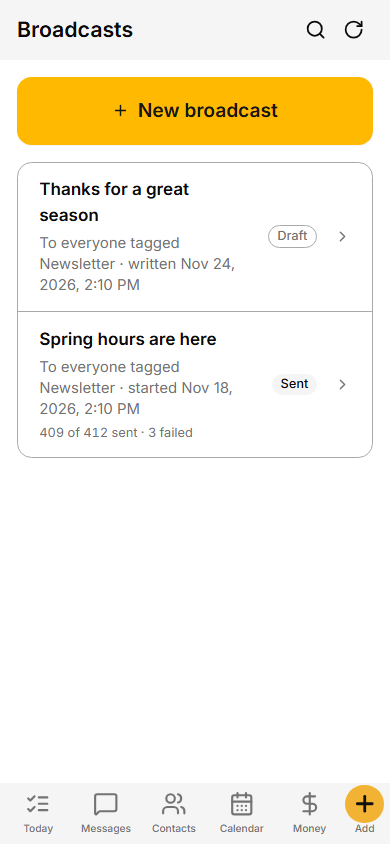
Everything about a customer, in one conversation.
Texts, emails, website chats, forms, calls and voicemails from one person land in one thread. The AI reads it. So do you.
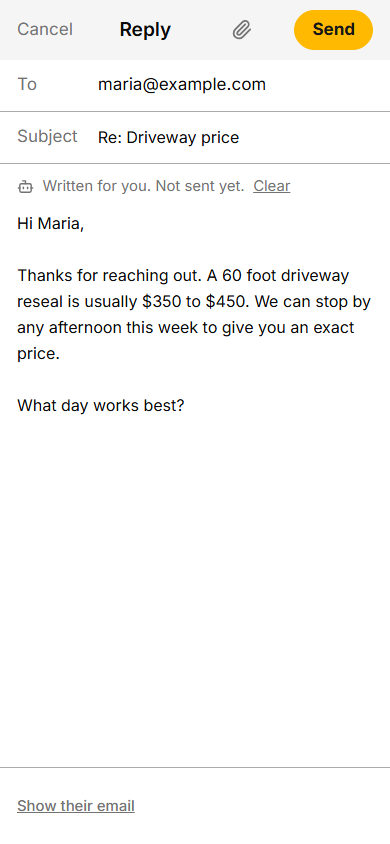
Your next reply, written for you.
The AI writes the answer from what you tell it about your business. You read it, change a word if you like, and tap Send. Or let it answer texts and chats on its own, day and night, for the people you choose.
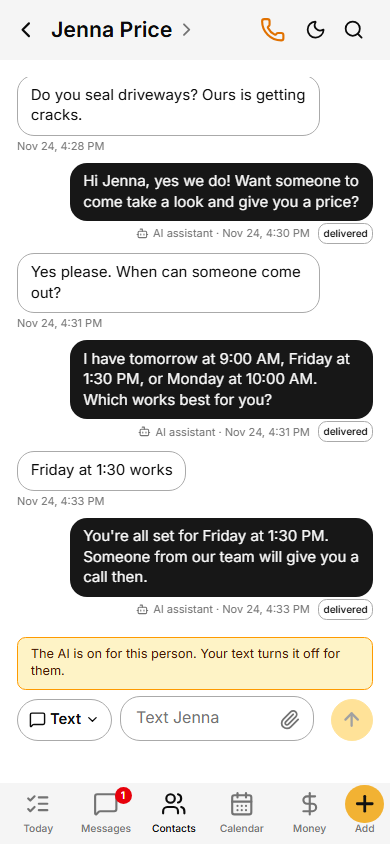
The AI answers texts
Day and night, from what you tell it about your business. It offers real open times and books a call or visit. It never says a price you didn't give it.
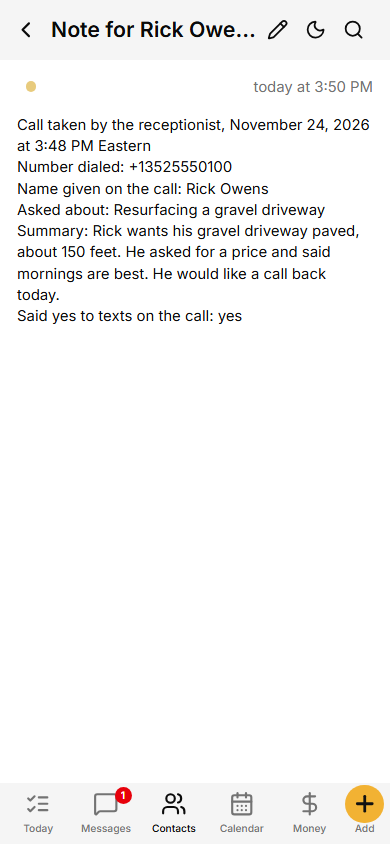
The AI answers the phone
It picks up, talks, takes the message, and can pass the call to you live.
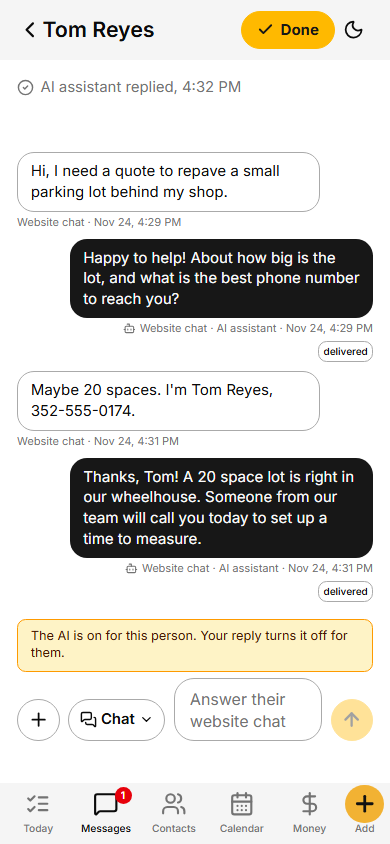
Your website chat
The same AI on your own site, set up with you. The chat lands in your inbox, with the name and number the visitor gave.
Texts and email as you
Two-way texting from your business number. Email from your own domain, with replies on the customer's thread.
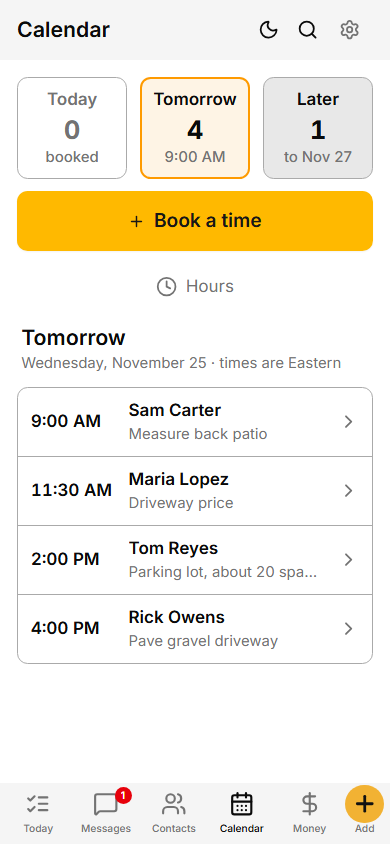
A calendar it books on
Your hours, your appointments. Move or cancel with a tap. Connects to Google Calendar.
Estimates, bills, card payments
Send an estimate, turn a yes into an invoice, take a card. The money goes to your own card account.
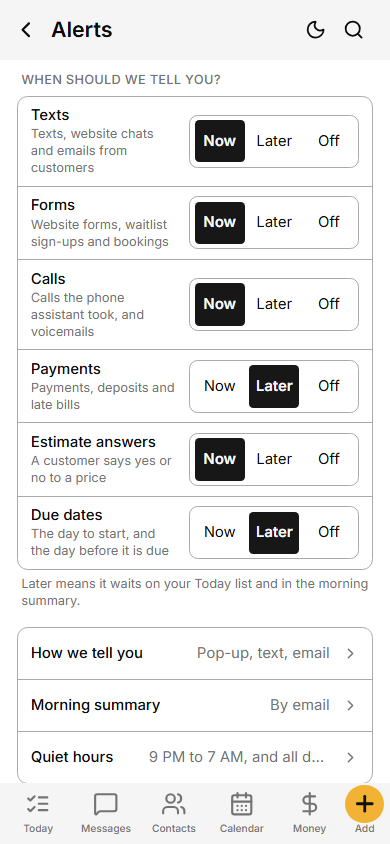
Right away, in the morning summary, or not at all. Your call.
Pick how each alert reaches you: a pop-up, a text or an email. Set quiet hours.
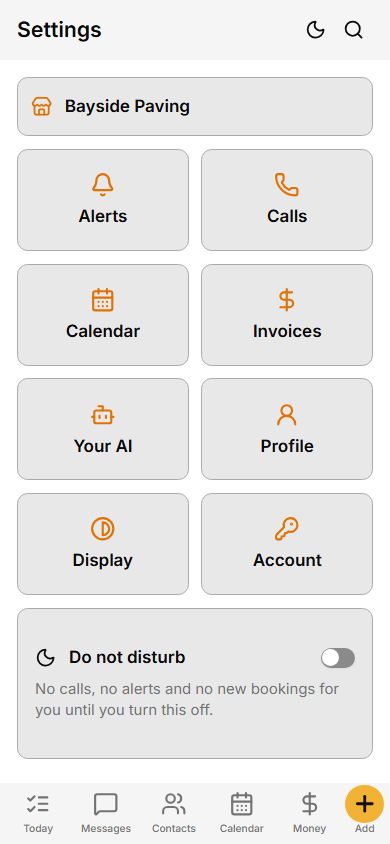
You choose what the AI does on its own.
Your connected Claude or ChatGPT drafts, and you send. The AI that answers your texts answers only the people you turn it on for, or everyone new if you choose. It stops for a person the moment you reply yourself.
Off until you say
The AI answers only the people you turn it on for, or everyone new if you choose.
Opt-outs are kept
STOP and unsubscribe are honored on every send, the AI's included.
Each business kept apart
Your data is walled off from every other business, and that wall is tested on every change.
What you can do on day one, and what takes setup.
Bring your HighLevel account with you.
Paste in a read-only key and Connectuate copies your people and conversations over. Nothing is sent to your customers, and your HighLevel account keeps running while you move.
Renewing soon? Bring your account over first and see it side by side.
- Your people and conversations come over
- It only reads from HighLevel
- Anyone who opted out stays opted out
Day one
Your contacts, notes and to-dos live in Connectuate. On Say it or Everything, connect the AI you already use, Claude or ChatGPT, and ask it about your business in plain words.
After setup
Texting needs your own number and carrier approval: that takes days, and it varies. Calls, email and card payments are set up with you.
Run both at once. Nothing goes dark.
Your current system keeps serving your customers while you set up here. Move your own business first, at your own pace, and switch the old one off only when you're ready.
In use every day
Connectuate runs real businesses' customers every day: texts, calls, bookings and bills.
Pick how you run it.
Month to month. No contract. We set it up with you.
Tap it
You run it from your phone, like any app.
- 1,000 AI credits a month: over 2,000 written replies, or about 100 calls with the AI receptionist add-on
- AI answers texts and website chat
- Calendar, estimates, invoices, card payments
- Today screen and alerts on your phone
Say it
You talk to it through Claude or ChatGPT. It drafts and you send.
- Everything in Tap it
- Connect Claude or ChatGPT
- Ask your business anything, in plain words
- Drafts that wait for your yes
Everything
Every add-on, in one price, with setup and a standard website included. 35 times the AI of Tap it.
- Everything in Say it
- AI receptionist answers your phone
- A standard website, built and hosted
- 35,000 AI credits a month, for a busy shop: about 3,500 calls answered by the AI
- Setup included
+ $100 a month
from $149 once, then $29 a month
$20 per 1,000 credits, when available
$199 once
Texting and calls are billed at the carriers' cost, with no markup. When your customers pay you by card, the card company takes its usual fee.